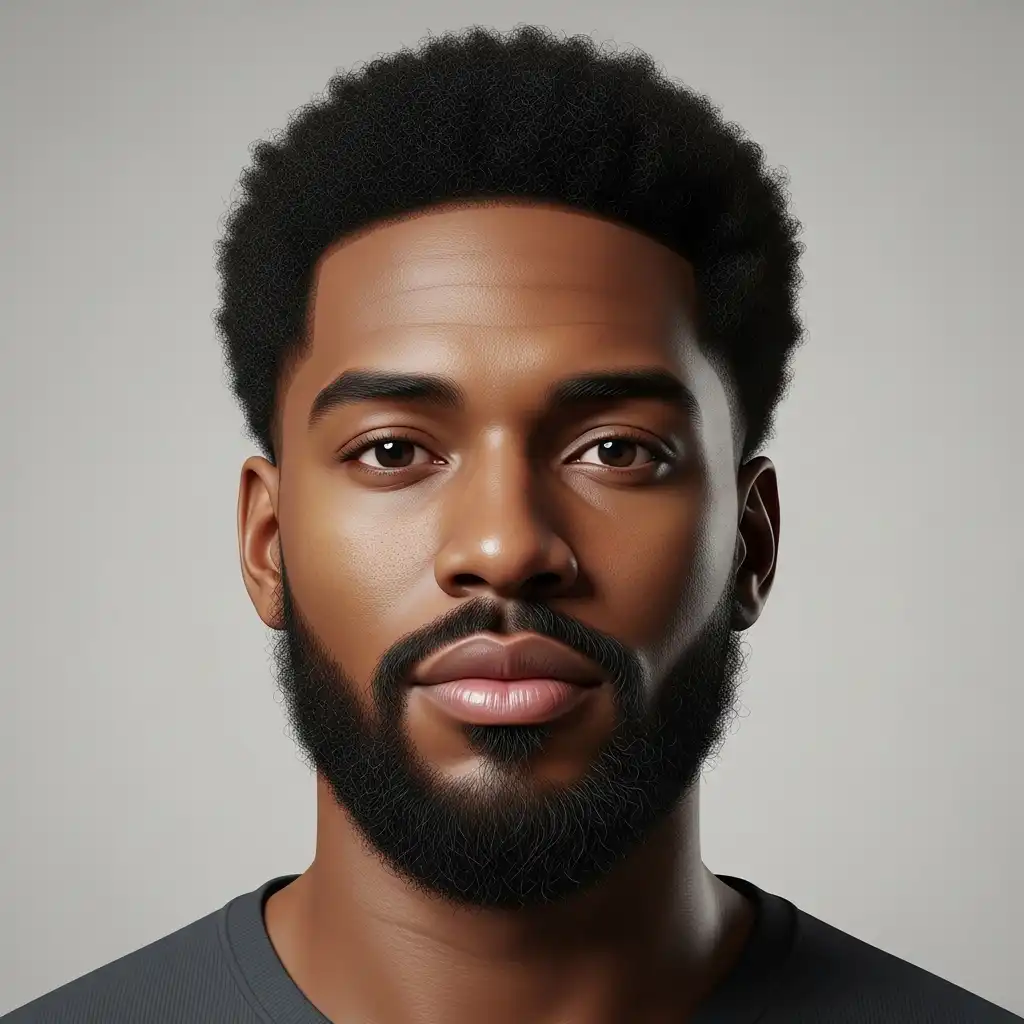
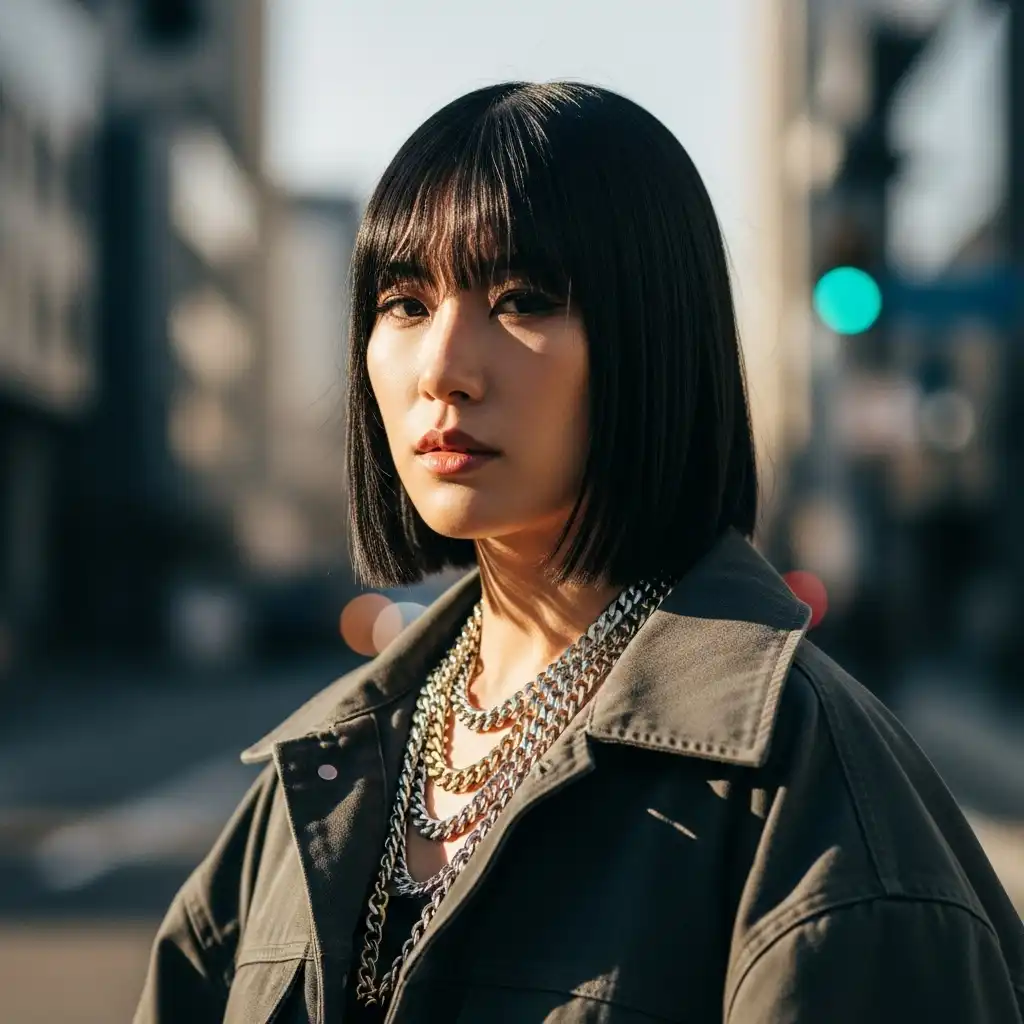
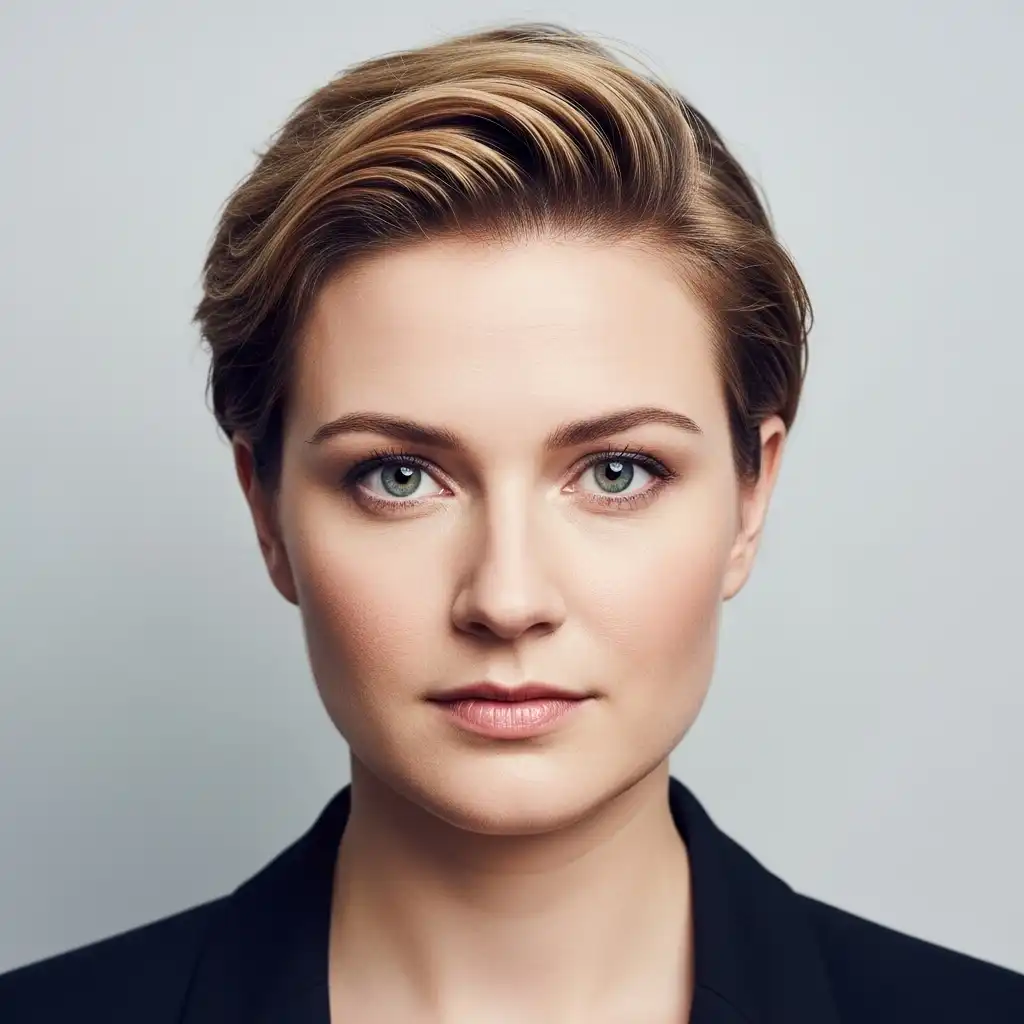
What happened to This Person Does Not Exist?
The original site became popular for a wonderfully simple interaction: open the page, see one synthetic face, and refresh for another. When we checked thispersondoesnotexist.com on July 13, 2026, it showed a domain-for-sale page instead of the original generator.
That creates two different search needs. Some people only want the same instant random-face experience. Others want what the old site never focused on: age and appearance controls, prompt-based portraits, repeatable characters, high-volume licensing, or an option that runs locally. The comparison below separates those use cases so you do not have to treat every AI image tool as an equal substitute.
How we chose the alternatives
We reviewed each tool against four practical questions rather than ranking by image hype alone. A strong alternative should make it clear how quickly you can get a usable face, how much control you have, what you can export, and which terms apply to your intended use.
AI face generator comparison
Start with the row that matches your workflow. “Free access” may still include credits, rate limits, or an account; always confirm the current product page before committing a production workflow.
| Tool | Access | Control | Best for |
|---|---|---|---|
| This Face Not Exist | Free, no signup | Random faces | Instant placeholders and browsing |
| Generated Photos | Paid downloads | Detailed filters | Commercial libraries and teams |
| Artbreeder | Free + paid | Sliders and mixing | Character exploration |
| Midjourney | Paid plans | Prompts and references | Art-directed portraits |
| ChatGPT Images | Free + paid | Prompts and edits | Specific portrait briefs |
| Stable Diffusion | Self-hosted + paid | Advanced workflows | Privacy and technical control |
| Canva AI Face Generator | Free + paid | Prompts and design tools | Marketing layouts |
The 7 best alternatives in 2026
No single winner fits every job. The order prioritizes similarity to the original one-click experience first, then increasingly specialized control.
This Face Not Exist
This Face Not Exist keeps the original idea simple: open the site for a synthetic portrait or browse a growing gallery of faces. There is no prompt to write, account to create, or paywall before viewing and downloading an image.
Strengths
- Fastest route from page load to usable face
- Gallery works well for mockups and personas
- Includes a Real or AI detection game
Limitations
- No age, expression, or appearance controls
- No prompt editing or consistent character mode
- No public API
Generated Photos
Generated Photos is built specifically around synthetic people rather than general image generation. Its public gallery exposes filters for pose, age, perceived ethnicity, eye color, hair, and emotion, while its generator and API are aimed at professional workflows.
Strengths
- Much faster than prompting when attributes matter
- Face and full-body synthetic human products
- Published licensing and bulk-download paths
Limitations
- Usable production downloads are paid
- Subscription download allowances may feel restrictive
- More product surface than casual users need
Artbreeder
Artbreeder is a better fit when you want to explore a face rather than accept a random one. Its portrait tools emphasize remixing, “genes,” and visual variation, which is especially useful during early character design.
Strengths
- Intuitive exploration without complex prompt syntax
- Good for creating variations around one concept
- Public pricing explains credit-based upgrades
Limitations
- More experimentation than one-click simplicity
- Some high-resolution and faster features are paid
- Results can lean stylized
Midjourney
Midjourney is a general image generator, not a random face library. It belongs on this list for users who care more about lighting, wardrobe, camera angle, setting, and visual style than instant output.
Strengths
- Strong aesthetic quality and cinematic direction
- Useful variations, references, and upscaling
- Works for portraits beyond centered headshots
Limitations
- No permanent free tier to rely on
- Prompt iteration takes longer than random generation
- Commercial and privacy terms depend on plan and use
ChatGPT Images
ChatGPT Images replaces the old “DALL·E 3 via ChatGPT” framing for most users. You can describe a portrait conversationally, request changes, choose an aspect ratio, and edit an existing generation. Image generation is available across ChatGPT tiers, with limits and features varying by plan.
Strengths
- Easy to refine a brief in plain language
- Can edit uploaded and generated images
- Useful when the face needs a specific context
Limitations
- Not an instant random-face gallery
- Generation limits vary by tier
- Safety policies can restrict some likeness requests
Stable Diffusion
Stable Diffusion is a model ecosystem rather than one fixed website. You can use Stability AI’s core models through hosted services or run compatible workflows on your own hardware, adding checkpoints, adapters, and repeatable settings.
Strengths
- Maximum workflow, model, and privacy control
- Seeds and reusable setups aid repeatability
- Community license covers many individuals and small organizations
Limitations
- Local setup can require capable hardware and technical skill
- Quality and terms vary across models and hosts
- More responsibility for safe, lawful use
Canva AI Face Generator
Canva’s AI Face Generator is useful when the portrait is only one piece of the final asset. Generate a face from a description, then place it directly into a presentation, ad, social post, or other Canva layout.
Strengths
- Generation and layout happen in one workspace
- Accessible to non-specialist design teams
- Useful resize, background, and template tools
Limitations
- Less face-specific control than a dedicated library
- Usage limits and features vary by Canva plan
- Requires an account for a practical workflow
Which AI face generator should you choose?
Choose from the output backward. The easiest generator is not always the best production tool, and the most powerful tool is often unnecessary for a quick persona or placeholder.
You need a face in seconds
Use This Face Not Exist. It is the closest match to the old refresh-and-go interaction.
You need specific attributes
Use Generated Photos for filters or Artbreeder when you prefer visual sliders and mixing.
You have a detailed creative brief
Use ChatGPT Images for conversational editing or Midjourney for stronger art direction.
You need a private pipeline
Use a suitable Stable Diffusion workflow and review the model, host, and license together.
Before you publish a synthetic face
“AI-generated” does not automatically mean unrestricted, risk-free, or suitable for every context. Use this quick check for public, client, or commercial work.
- Read the current license. Check the exact plan, model, and host used to create the final image.
- Avoid deception. Do not present a synthetic person as a real employee, customer, witness, or expert.
- Check for accidental resemblance. A generated face can still look like a real person by coincidence.
- Keep provenance. Record the tool, date, prompt or settings, edits, and license that applied.
- Review platform rules. Advertising, social, marketplace, and election policies can add separate restrictions.
Frequently asked questions
Is This Person Does Not Exist gone?
The original .com domain displayed a domain-for-sale page when checked on July 13, 2026. That can change, but it was not serving the original random-face experience at the time of this review.
What is the best free alternative?
This Face Not Exist is the closest free, no-signup option for instantly browsing and downloading random synthetic faces. Artbreeder and ChatGPT Images add creative control, but accounts and usage limits may apply.
Which alternative lets me choose age or appearance?
Generated Photos is the most direct option in this list because its face library exposes structured filters. Artbreeder is better for exploratory sliders, while prompt-based tools accept natural-language descriptions.
Can I use AI-generated faces commercially?
Sometimes, but there is no universal yes. Check the generator’s current license, the model or service used, the laws relevant to your project, and the policy of the platform where the image will appear. This guide is practical information, not legal advice.
Can a generated face resemble a real person?
Yes. A portrait can be synthetic and still resemble someone by coincidence. Use reverse-image and likeness checks for sensitive, high-reach, or commercial contexts, and avoid implying that a synthetic person is real.
What replaced DALL·E 3 in this comparison?
ChatGPT Images is the more current product framing for most people using OpenAI’s image creation tools. DALL·E remains available through a dedicated GPT, but ChatGPT Images is the main conversational creation and editing experience.